
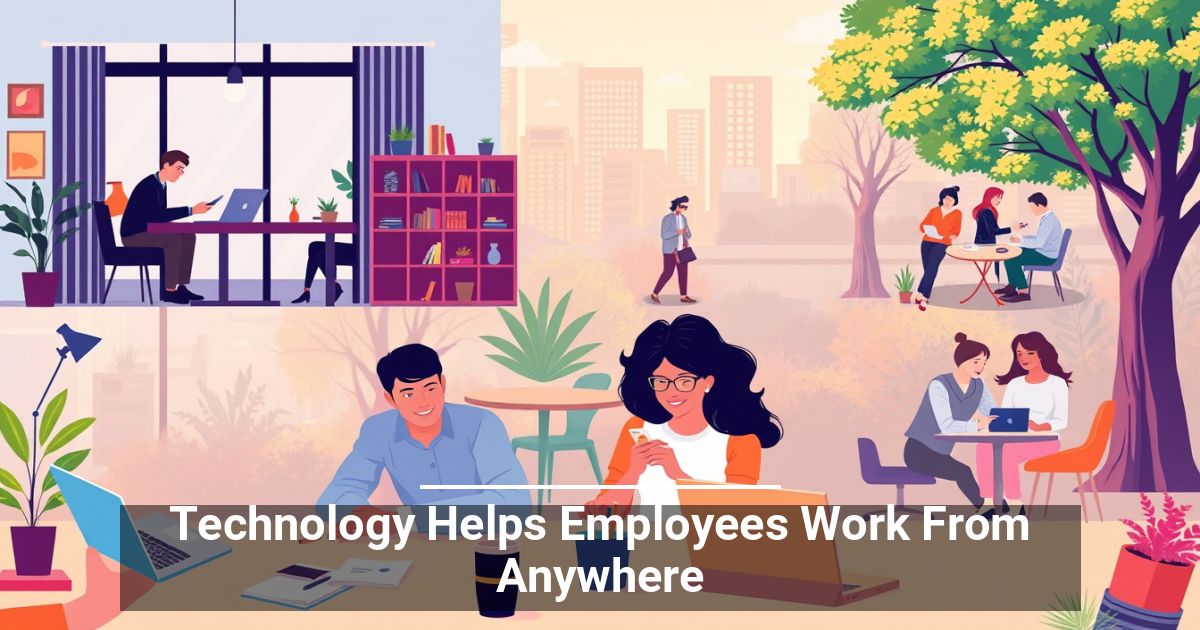
 Does your team really need to stay in the office to be productive? Digital tools can provide secure access to essential resources while keeping daily operations moving across different locations. See how modern technology helps employees work from anywhere.
Work Doesn't Have To Stop at the Office Door
Business once revolved around a physical workplace. Important files sat on company computers, meetings happened in conference rooms, and many systems were only accessible on site.
That's no longer the case as more business processes move online. Remote work technology can extend the workplace beyond a single building, which gives staff more flexibility while helping leaders maintain continuity. The goal is to make essential resources accessible without sacrificing efficiency.
Build a Workplace That Travels
A flexible setup doesn't rely on only one platform. Different technologies can work together to keep operations moving when people aren't under the same roof.
Put Essential Resources in the Cloud
Cloud-based applications make software and information available online instead of tying them to a particular computer. Employees can open approved resources from supported devices wherever a reliable connection is available.
For business owners, that flexibility makes travel and hybrid arrangements easier to accommodate.
Make Progress Easier To See
Managers don't need to watch someone sit at a desk to know whether work is getting done. Digital project platforms can make responsibilities and deadlines visible.
A simple dashboard may help with the following:
- Assigning responsibilities clearly
- Tracking upcoming deadlines
- Checking project progress
- Identifying stalled work
This visibility supports team productivity while showing managers what needs attention. It's one practical example of how technology helps employees work from anywhere without leaving leaders in the dark.
Keep Conversations Flowing
Physical distance can create communication gaps. Modern communication technology gives people dedicated spaces to exchange information without relying entirely on face-to-face conversations.
The right collaboration tools also help keep project discussions organized. Employees can find relevant updates in one place instead of piecing together details from disconnected conversations.
Give Staff a Secure Way In
Some systems still live on internal networks or office computers. Remote access solutions let authorized users reach those resources from elsewhere.
Businesses should carefully control who receives access and put appropriate safeguards in place before allowing connections to sensitive systems.
Make Remote Technology Part of the Routine
New software only provides value when people can use it effectively. Instead of changing everything at once, introduce systems gradually and give your team room to adjust.
A smoother rollout starts with a few basics:
- Identify the need: Choose technology that addresses a specific operational problem.
- Test it first: Start with a small group and use their feedback to catch issues.
- Set guidelines: Clarify how each platform fits into everyday work.
- Provide training: Give staff practical instruction on essential features and security procedures.
- Review your setup: Reassess whether each system still supports your needs as operations evolve.
Give Work More Room To Move
Flexible work doesn't require complicated infrastructure. Choose practical systems, introduce them thoughtfully, and see how technology helps employees work from anywhere without disrupting daily operations.